
Point of sale
A point of sale that does the books while you ring.
Scan, search or tap. Take cash, checks, cards on your own terminal, bank transfers, store credit or a house charge — and every sale posts to your ledger as it happens.
- No card needed to start
- Month-to-month
- Cancel anytime
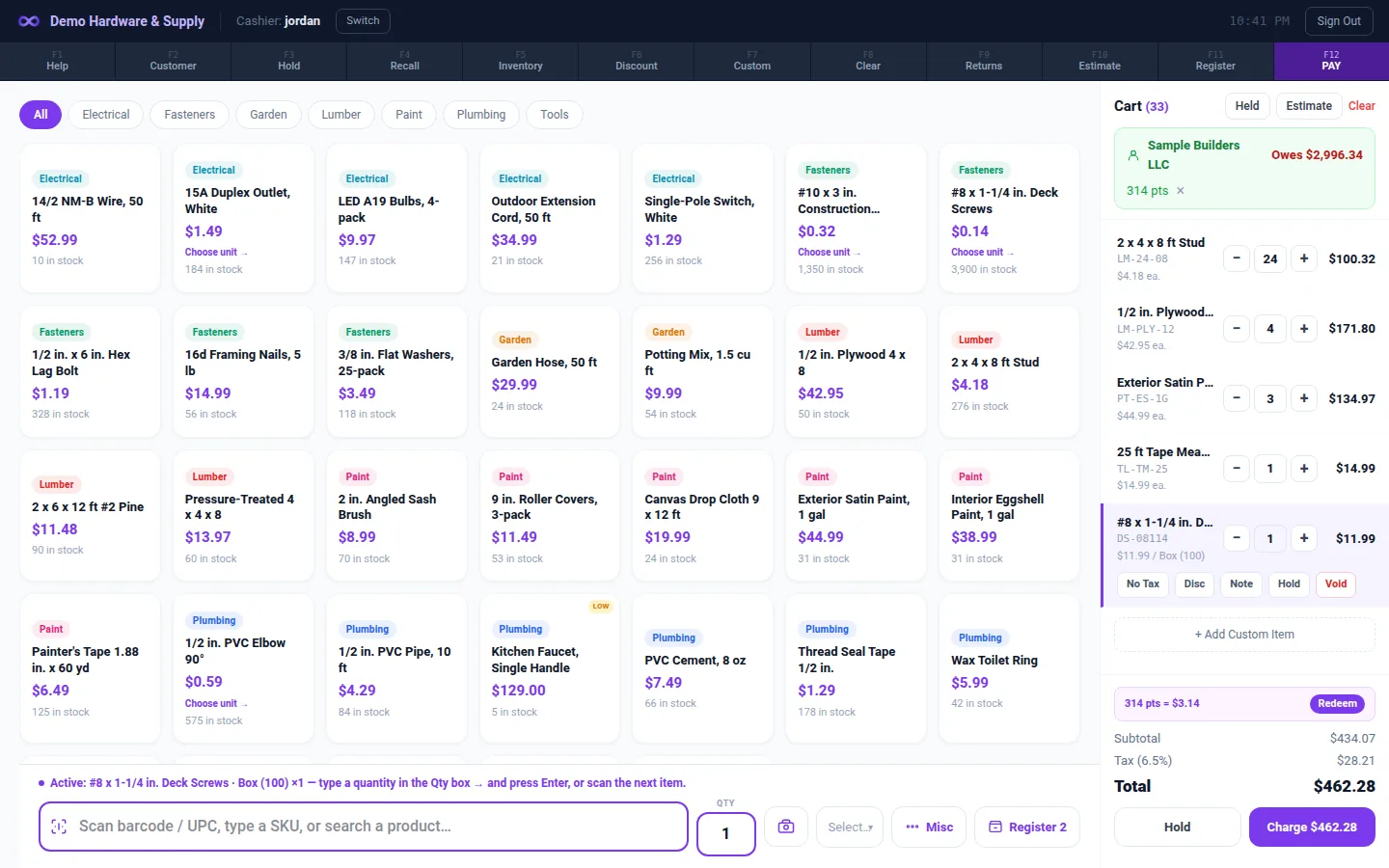
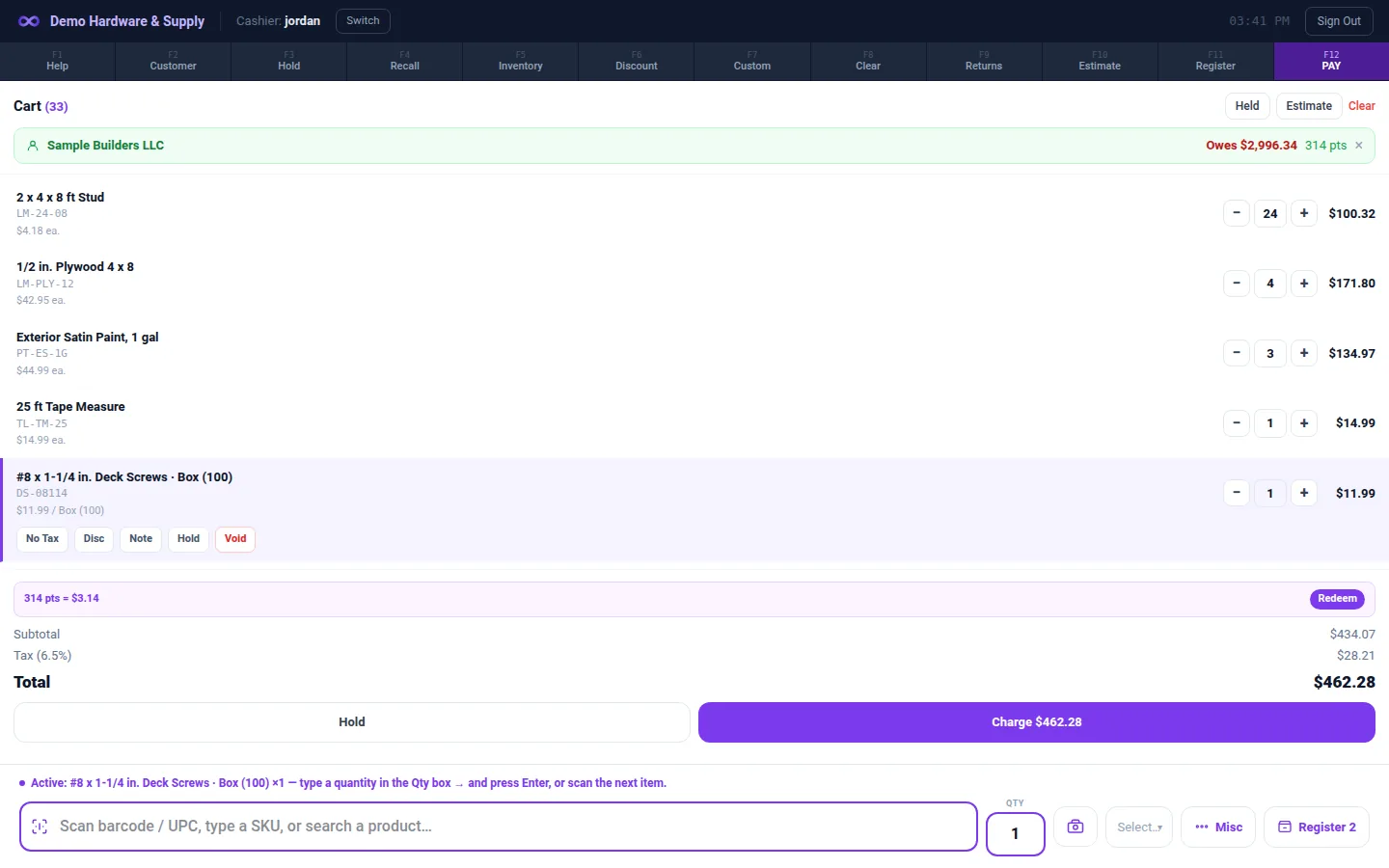
Fast at the counter
- Scan or search; use the classic scan till or a product grid; full-screen POS Mode.
- Keyboard-first: type a quantity then scan; F2 customer lookup with recent purchases; F9 recent sales; F10 estimates; F5 inventory.
- Find items by manufacturer or vendor part number, with or without dashes.
- Sell by each, case, pack or weight, with quantity breaks. Variants such as size and color.
Every way your customers pay
- Split tender and featured payment buttons.
- Your own bank's card terminal (record the last 4 and the approval #), or Stripe Terminal in the US.
- Bank transfer with a reference #, checks with a check #, store credit, and charge to account with the balance and credit limit on screen.
- Customer P.O. # and ship-to on the sale.
Returns without the mess
- Return and exchange on one receipt.
- Refund to the same card terminal, by printed company check, or to store credit; refunds over an amount you set need a manager.
- An optional restocking fee, and manager approval for sales below cost.
- Refund receipts.
Drawers and End of Day
- Named registers with their own drawers and floats; counted vs expected; over/short with manager approval; payouts from the drawer.
- Z-Out lines tied to document numbers. Reopen and re-close a day, or close a past day. A closed day stays closed.
- Daily Sales packet and Card Batches report.
Keeps selling offline
- The Windows app keeps ringing cash sales for up to 24 hours without internet by default. You choose the window, from 0 to 168 hours. Staff sign in by PIN.
- When the connection returns, sales sync and post as they were rung.
- These wait for a connection: card readers, house charges, discounts and price overrides, loyalty redemption, exchanges and vehicle rentals.
Discounts, loyalty, corrections
- Line and whole-order discounts; codes limited to a category, an item or a minimum quantity; manager approval above an amount you set.
- Loyalty points earned and redeemed.
- Managers can change a sale's payment method afterwards — the drawer, the books and store credit are fixed together, with undo.
Works with the rest of Mobius
Every sale posts to the same ledger as your invoices, purchasing and payroll. Customer balances, stock and the Daily Sales packet update the moment you ring.
Good to know
- Gift cards can be accepted as a tender, but Mobius doesn't issue them or track their balances.
- Receipts go by email or print; text (SMS) receipts aren't available.
- Stripe card readers work with US Stripe accounts only in Mobius today. Anywhere else, keep your bank's terminal and record it as a card tender.
- Offline selling is cash only and needs the Windows app; a browser register goes read-only without internet.
Questions
Which card terminals work?
Stripe Terminal readers (such as the WisePOS E) in the US, or any bank terminal recorded as a card tender with its last 4 and approval number.
Can cashiers only see the register?
Yes. The cashier role opens straight to the register.
Does it work offline?
Yes, for cash sales in the Windows app — for up to 24 hours by default, or the window you set (0 to 168 hours).
Run the whole business from one place.
From $79/month. POS and accounting in one. 30-day free trial, no card needed.